In-depth review
Canon SELPHY Square QX10 Review (2027)
In-depth review of the Canon SELPHY Square QX10: square dye-sub sticker prints, a 20-print battery, and protective overcoat output.
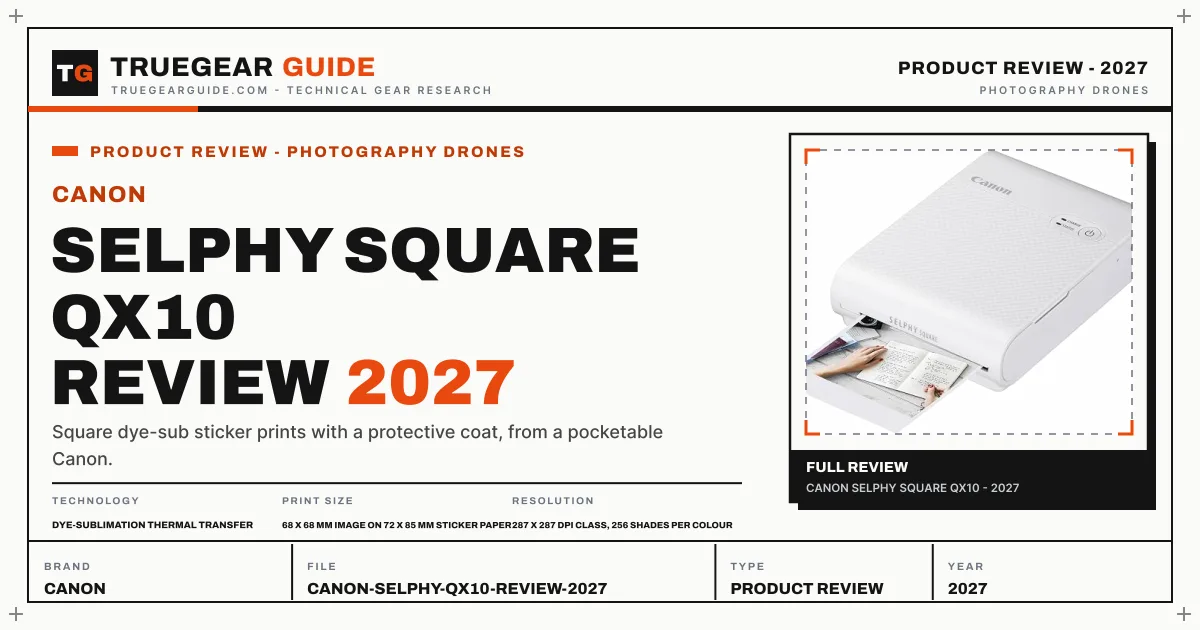

Canon SELPHY Square QX10
Square dye-sub sticker prints with a protective coat, from a pocketable Canon.
Our verdict
The QX10 is a one-format specialist, and the format is charming: square dye-sub prints on sticker paper with a protective coat that ZINK rivals cannot match for colour depth. Buy it for journals and scrapbooks, not as a general photo printer.
What we like
- Dye-sublimation output with 256 shades per colour beats ZINK on gradients
- Square 68 x 68 mm prints on sticker paper with a protective overcoat
- Built-in battery prints about 20 sheets per charge for parties and trips
- SELPHY Photo Layout app adds borders, stamps and QR codes
What to watch out for
- One print format only, square on 72 x 85 mm paper
- About 43 seconds per print is deliberate, not instant
- XS-20L paper and ink bundles are the only media option
What owners report: Canon SELPHY Square QX10
Synthesized from recurring themes in long-term owner feedback.
Most praised
- Square sticker prints suit scrapbook pages and journals where a rectangular photo would look awkward
- Dye sub gradients look richer than thermal sticker prints, especially on sunset and portrait shots
- The built in battery makes it a genuine table at the party printer rather than a desk only device
Common complaints
- Square is the only shape, which rules it out for standard album or document prints
- Each print takes long enough that a large batch at an event feels slow
- The single dedicated paper and ink bundle leaves no cheaper media alternatives
Who it is for
Journal keepers, scrapbookers, and planners who print square phone photos to stick down.
Dye-sub square prints
Each print lays down 256 shades per colour at a 287 dpi class resolution, so skin tones and skies graduate smoothly where thermal ZINK prints band. The 68 x 68 mm image sits on 72 x 85 mm paper with a border sized for captions, and the final overcoat seals the surface.
Battery reality
The built-in battery manages about 20 prints per charge at roughly 43 seconds each, which suits an evening of journaling better than an all-day event. It recharges over USB, so a power bank extends a trip kit easily.
The one-format trade
There is no 4x6 mode, no borderless rectangle, nothing but the square. That focus keeps the body at 102 x 143 x 31 mm, but households wanting one printer for everything should step up to the CP1500 instead.
Key specifications
- Technology
- Dye-sublimation thermal transfer
- Print size
- 68 x 68 mm image on 72 x 85 mm sticker paper
- Resolution
- 287 x 287 dpi class, 256 shades per colour
- Speed
- Approx. 43 sec per print
- Battery
- Built-in, approx. 20 prints per charge
- Size / weight
- 102 x 143 x 31 mm, approx. 445 g
Sources: Amazon, Desertcart, Ubuy, CamelCamelCamel
Also consider

Canon SELPHY CP1500
The dye-sub benchmark: borderless 4x6 lab prints with a protective coat.
Why consider it: The bigger SELPHY prints full 4x6 plus card and sticker sizes, with an optional battery for portability.
- Technology: Dye-sublimation thermal transfer, 300 x 300 dpi, 256 levels per colour
- Max print size: Postcard 100 x 148 mm (4x6), plus card and sticker sizes

Canon IVY 2 Mini Photo Printer
Canon's pocket ZINK printer for sticky-back 2x3 prints from any phone.
Why consider it: Cheaper ZINK sticker prints in a smaller body, if dye-sub colour depth is not the priority.
- Technology: ZINK Zero Ink thermal
- Print size: 2x3 in, sticky back
Research-based assessment. TrueGear has not hands-on tested this product; this evaluation synthesizes manufacturer specifications, retailer documentation, and published expert reviews.
Questions, answered
What paper does the QX10 use?
Canon XS-20L bundles, which pair the square sticker paper with its matching ink cassette; no third-party media is supported.
Are QX10 prints water resistant?
The dye-sub process finishes with a protective overcoat, so prints shrug off splashes and handling far better than uncoated thermal prints.